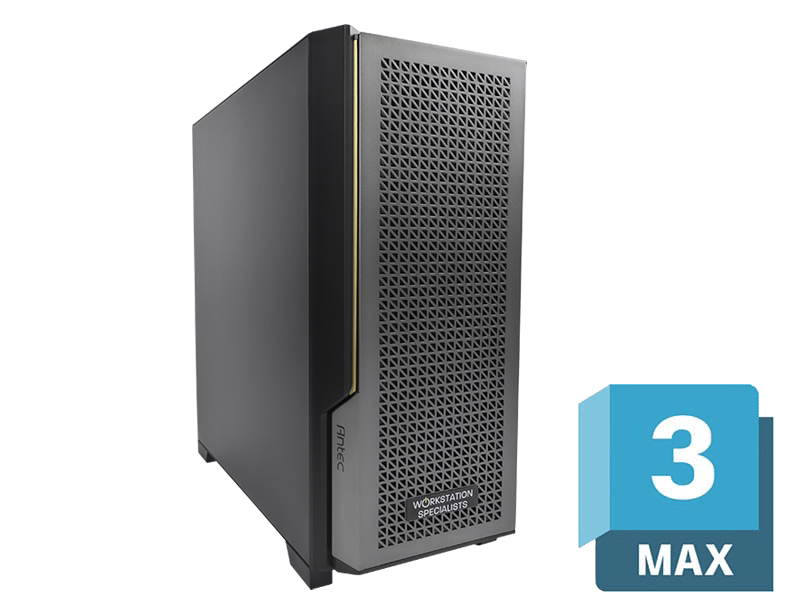
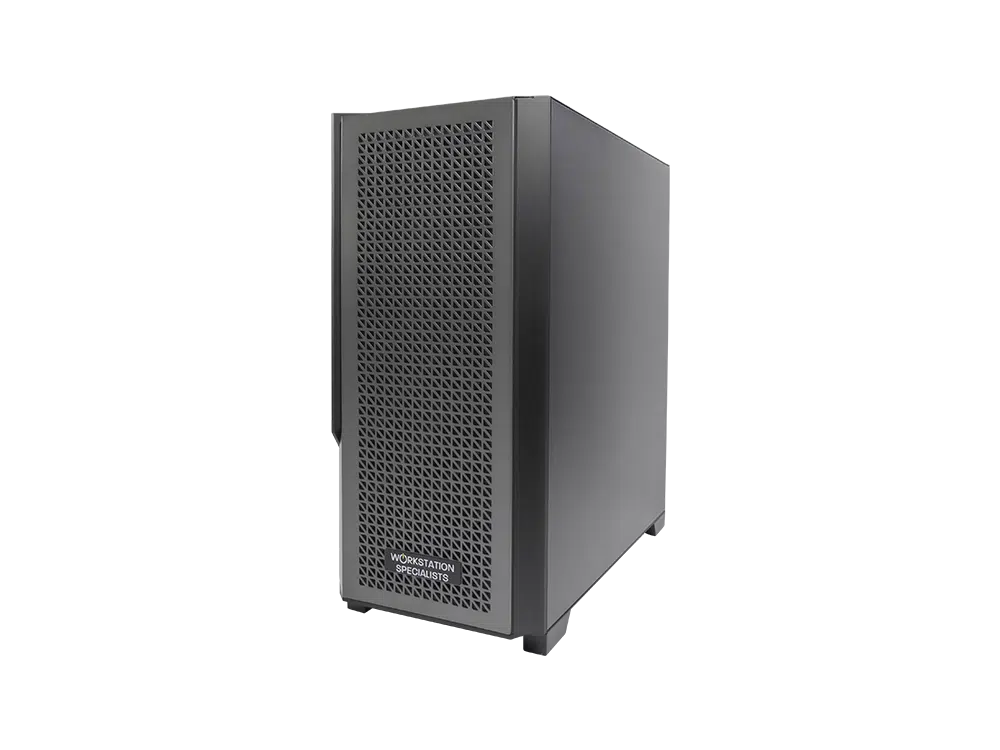
Autodesk 3ds Max sits at the centre of many professional pipelines, from architectural visualisation and product design through to games development and visual effects. It is also unusually demanding on hardware, because a single session may move between interactive modelling, animation playback and full production rendering within the space of an hour. Each of those tasks stresses a different part of the system, which is why the best workstation for 3ds Max is rarely the one with the most expensive components, but the one balanced around the work actually being done.
How 3ds Max Uses Your Hardware
3ds Max does not treat every part of the system equally, and the balance you strike between single-threaded and multi-threaded performance should follow the nature of your daily work.
Modelling, viewport navigation, modifier stack evaluation, rigging and animation playback are overwhelmingly single-threaded. They depend on the clock speed of one core rather than the total number available, which is why a machine with an enormous core count can still feel sluggish when you are simply moving around a scene. CPU rendering engines behave in the opposite way: Arnold, which ships with 3ds Max, along with V-Ray, Corona and Redshift CPU, scale close to linearly with core count, so doubling the cores broadly halves the render time. Almost every hardware decision that follows flows from this split, and from an honest assessment of where your hours are actually spent.
CPU: Matching the Processor to the Workflow
The processor is the most consequential component in a 3ds Max workstation. For artists whose day is dominated by modelling, layout and animation, single-core frequency is the priority: high clock speeds deliver smoother viewport interaction and quicker modifier evaluation, and a fast processor with a moderate core count will comfortably outperform a many-core chip running at lower frequencies.
Where CPU rendering dominates the schedule, the calculation reverses: render times scale closely with core count in every major engine, so a 96-core processor completes a frame dramatically faster than a 16-core equivalent. Most professionals sit between these poles, and modern boost behaviour makes one machine viable for both, elevating a handful of active cores well above base frequency and settling back to sustainable clocks once a render engages them all.
Recommended processors for 3ds Max in 2026:
- Intel Core Ultra 285K – Boosting to 5.7 GHz across 24 cores; an excellent choice for modelling and animation-led work where viewport responsiveness matters most.
- AMD Ryzen 9 9950X – Sixteen cores at high clock speeds; a capable all-rounder for professionals balancing scene assembly with moderate rendering.
- AMD Threadripper PRO 9995WX – Ninety-six cores with strong per-core performance and abundant PCIe lanes; the benchmark choice for render-focused and multi-GPU builds.
Dual-processor configurations are not recommended here: the additional latency and lower per-core frequencies of multi-socket platforms work against the way 3ds Max behaves, and the budget is better spent on a single high-core-count chip.
GPU: Viewport Performance and Rendering Throughput
The graphics card performs two separate jobs. The first is driving the interactive viewport: thirty frames per second is the practical minimum for comfortable work, while sixty is where interaction stops being something you notice. The second is compute, where engines such as Redshift, Arnold GPU and V-Ray GPU use the card to produce final frames.
Autodesk certifies NVIDIA RTX PRO professional graphics cards for 3ds Max, and these carry validated drivers tested specifically for stability in professional applications. For most users the RTX PRO 4500 or RTX PRO 5000 Blackwell cards balance viewport performance, generous ECC memory and long-term driver support, with the RTX PRO 6000 reserved for the heaviest visual effects work. Where certification is less critical, such as games development, consumer GeForce RTX cards including the RTX 5080 and RTX 5090 remain a credible and cost-effective alternative.
For GPU rendering, video memory is the binding constraint rather than raw compute. A scene that exceeds available VRAM will either fall back to slower CPU rendering or fail outright.
- 16 GB – A sensible floor for professional GPU rendering and general viewport work.
- 24–32 GB – Comfortable for detailed interiors, product visualisation and moderate animation.
- 48 GB and above – Appropriate for heavy visual effects, large environments and dense texture libraries.
Memory: Headroom Under Load
System memory requirements track scene complexity directly. Large assemblies, high-resolution textures and deep modifier stacks all consume RAM, and when capacity runs short Windows begins paging to disk, introducing stalls and, in severe cases, instability. It is the quietest specification to get wrong, because the symptoms present as general sluggishness rather than an obvious fault.
Sixty-four gigabytes of DDR5 in a correctly populated multi-channel configuration is the sensible baseline, accommodating most complex scenes while leaving headroom for the applications that run alongside 3ds Max. Large-scale production and heavy CPU rendering justify 128 GB or more, particularly where ECC memory is available. Capacity matters far more than frequency here.
Storage: Keeping Assets Moving
Scene files, texture libraries, simulation caches and render outputs accumulate rapidly, and storage architecture determines how much friction that creates. An NVMe SSD should host the operating system, the 3ds Max installation and all active project files, since its random read performance is what shortens scene loads, texture streaming and cache playback. One terabyte is a workable minimum; two gives room to work without housekeeping.
A second drive for completed projects and render outputs keeps the primary drive clear and simplifies backup. For teams, network-attached storage over a 10 GbE connection provides shared asset libraries and centralised project management across multiple machines.
Practical Workflow Considerations
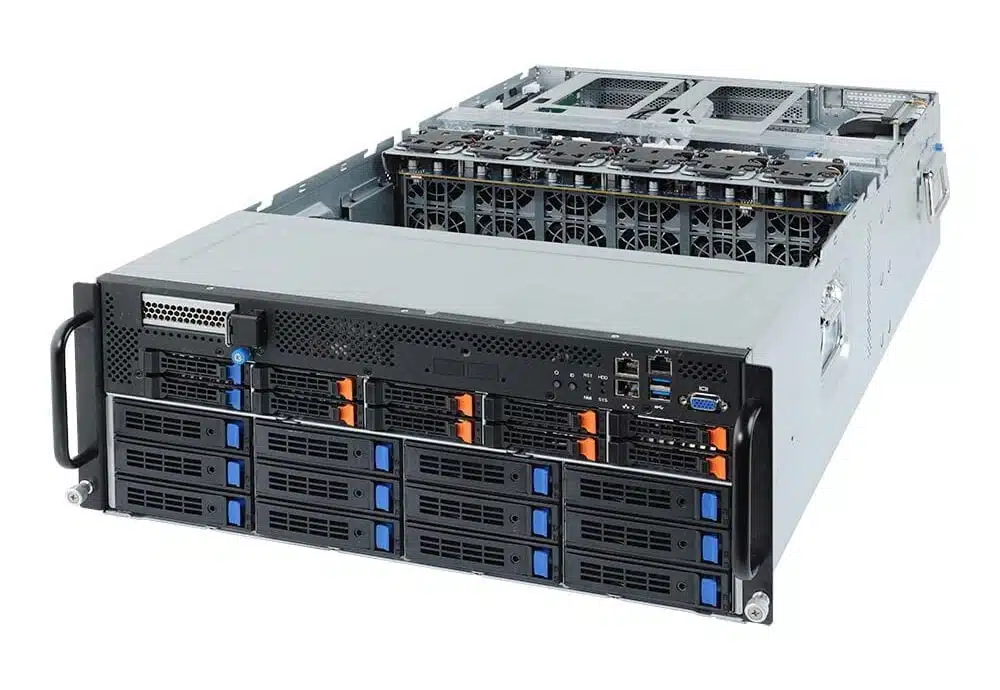
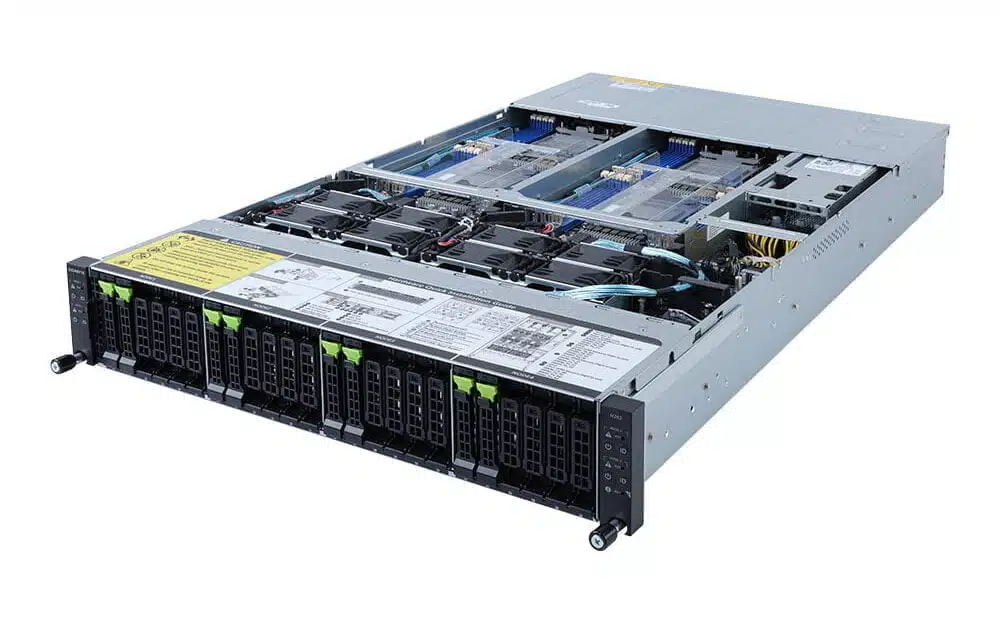
Several decisions outside the core specification affect productivity disproportionately. Offloading final renders to a dedicated render node keeps the artist’s machine responsive, and is usually a better investment than pushing one workstation to extremes. Multi-GPU configurations scale well in Redshift and similar engines, but only where the platform provides sufficient PCIe lanes, adequate power delivery and genuine airflow between cards.
Artists working across sites should be realistic about mobile hardware. A well-specified mobile workstation handles modelling, look development and client review comfortably, but must be connected to mains power to sustain full performance.
Recommended Specifications
The following represents a balanced professional starting point, weighted towards interactivity or throughput as required.
Conclusion
Specifying a workstation for 3ds Max comes down to understanding your workflow and making informed trade-offs. Interactive work rewards clock speed and a certified professional GPU; rendering rewards core count and video memory. Modern processors make it practical to serve both from one machine, while memory and storage exert a quieter influence that becomes obvious over a working week.
Every system we build at Workstation Specialists is individually configured, assembled and tested by experienced engineers rather than imaged from a template, so the specification reflects the software you run.