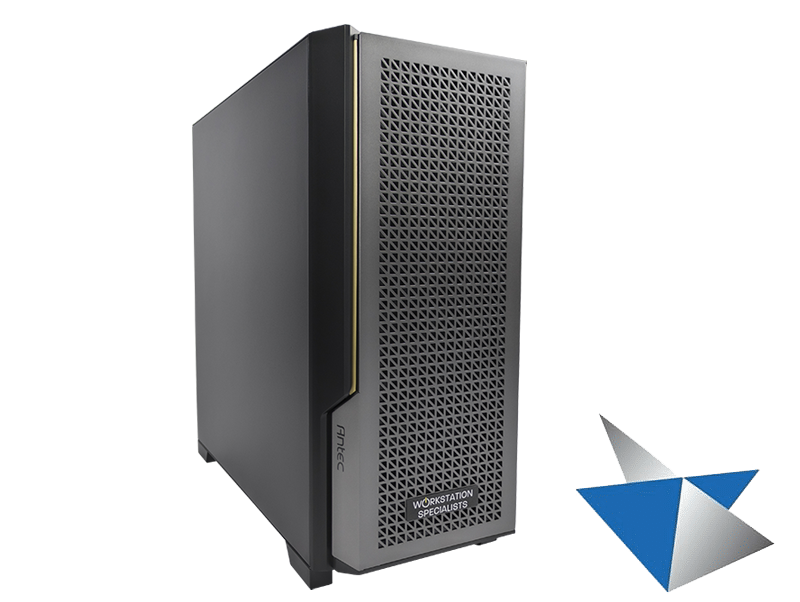
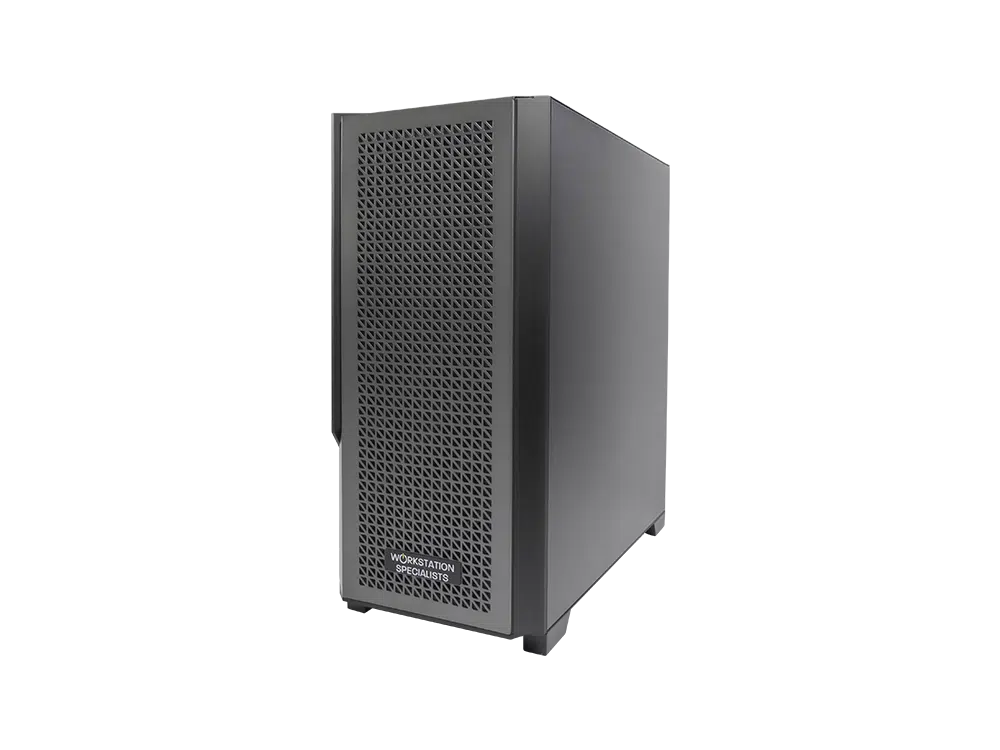
Investing in Solid Edge is only half the equation — the other half is the hardware that powers it. To unlock its full performance, stability, and productivity potential, Solid Edge requires a properly specified professional workstation. While the software is well optimised, it remains a demanding CAD environment, especially when working with large assemblies, complex surfaces, detailed drawings, and real-time visualisation. The right workstation hardware directly impacts design speed, responsiveness, and overall user experience.
A good Solid Edge workstation isn’t about chasing the highest core counts or gaming-grade components. It’s about balanced performance, reliability, and alignment with how Solid Edge uses system resources. Professionally built, application-optimised workstations deliver measurable advantages over generic desktops.
CPU Performance: Clock Speed Over Core Count
For most Solid Edge workflows, the CPU is the single most important component. Solid Edge relies heavily on single-threaded and lightly threaded operations, particularly during sketching, feature regeneration, assembly manipulation, and drawing updates.
Key CPU Characteristics for Solid Edge:
-
High clock speeds for fast feature rebuilds
-
Strong single-core performance
-
Consistent turbo frequencies under sustained load
-
Stable thermals to prevent throttling
While multi-core processors benefit tasks such as simulation, rendering, or batch operations, day-to-day CAD performance is overwhelmingly influenced by clock speed, not core count.
Recommended CPUs:
These processors often achieve boost clocks at or above 5 GHz, translating into smoother sketching, faster rebuilds, and improved interactivity in large assemblies.
Professional vs Consumer Builds:
Generic desktops often advertise high core counts but cannot sustain boost clocks due to inadequate cooling or power delivery. Professionally configured workstations maintain peak frequencies under load, ensuring Solid Edge performs consistently throughout the working day.
GPU Selection: Professional Graphics Enhance Performance
Solid Edge 2026 officially requires only 2 GB of VRAM, and standard display adapters meet minimum specifications. In practice, however, engineers handling large assemblies, complex surfaces, or real-time visualisation will benefit significantly from a professional graphics solution.
Recommended Professional GPUs:
Why Professional GPUs Matter:
-
Certified drivers for Solid Edge, minimising compatibility issues
-
Accurate geometry, shading, and section view display
-
Smoother pan, zoom, and rotate operations on large datasets
-
Enhanced stability during extended design sessions
VRAM Guidelines:
-
8 GB VRAM – small to medium assemblies
-
12–16 GB VRAM – large assemblies, drawing-heavy projects, or visualisation tasks
Professional GPUs are not strictly required — many modern consumer cards can handle standard workloads. However, for engineers working with demanding CAD operations, professional GPUs deliver smoother performance, greater precision, and reliable long-term stability.
Memory (RAM): Capacity and Speed Both Matter
Solid Edge benefits from ample, fast memory. Insufficient RAM forces the system to rely on slower disk-based paging, which severely impacts performance.
Recommended Configurations:
-
32 GB RAM – minimum for professional use
-
64 GB RAM – ideal for large assemblies, multi-file projects, and drawing-heavy workflows
-
128 GB+ RAM – for enterprise-level design, simulation, or concurrent applications
Fast DDR5 memory further improves performance when handling large datasets, especially when paired with high-frequency CPUs.
Stability Over Specification:
Professionally built workstations use validated memory kits and tested motherboard configurations, reducing the risk of memory errors, crashes, or intermittent instability that can affect self-built or consumer systems.
Storage: NVMe for Optimal Performance
Solid Edge projects often involve multiple linked files, making storage performance critical for file open times, saves, drawing updates, and assembly loading.
Best Practice Storage Layout:
-
Primary NVMe SSD (PCIe Gen 4 or Gen 5) – OS, Solid Edge installation, active project files
-
Secondary SATA or NVMe SSD – local project cache, temporary simulation or render data
-
Network/NAS storage – long-term storage, backups, and version control
NVMe SSDs offer dramatically lower latency and higher throughput than SATA SSDs, keeping Solid Edge responsive even with large assemblies.
Cooling and Sustained Performance
High-performance components generate heat, and thermal management is often overlooked. Inadequate cooling leads to thermal throttling, reducing CPU and GPU performance precisely when it’s needed most.
Professional workstations provide:
-
High-quality air or liquid cooling
-
Optimised airflow chassis
-
Thermally validated component layouts
This ensures CPUs maintain high boost clocks consistently, rather than dropping performance after a few minutes of sustained CAD workloads.
Power Supply and Electrical Stability
Workstation-grade power supplies are critical for longevity and reliability. Solid Edge users cannot afford crashes during long design sessions.
Key Considerations:
Professional systems are specified with power supplies that operate well below maximum load, reducing electrical stress and improving long-term reliability.
Benchmarks and Real-World Performance
Synthetic benchmarks provide a rough idea of performance, but real-world Solid Edge workloads tell the full story:
-
Assembly load times
-
Feature rebuild speed
-
Drawing update responsiveness
-
Smooth pan, zoom, and rotate operations
-
Stability over extended sessions
Workstations built specifically for Solid Edge consistently outperform generic desktops, even when specs appear similar. The difference lies in component selection, cooling, memory configuration, and driver validation.
Business Value of a Professionally Built Workstation
A workstation designed for Solid Edge delivers measurable business value:
-
Faster design cycles – less waiting, more designing
-
Reduced downtime – fewer crashes and driver issues
-
Longer system lifespan – enterprise-grade components
-
Lower total cost of ownership – fewer upgrades and replacements
Even small performance gains compound over time. Saving minutes per design operation translates into hours per week per engineer, directly improving project throughput.
Scalability and Future-Proofing
Solid Edge continues to evolve with AI-assisted features, larger datasets, and immersive visualisation. A well-specified workstation ensures:
-
Headroom for future software updates
-
Support for more complex assemblies
-
Compatibility with next-generation GPUs and storage
Professionally configured systems are designed to scale, protecting the customer’s investment.
Conclusion: Hardware Is the Foundation of Solid Edge Performance
Solid Edge is a powerful CAD platform, but its capabilities are only fully realised when paired with the right hardware. A good workstation prioritises:
-
High-clock CPUs for fast feature rebuilds
-
Professional GPUs (NVIDIA RTX Pro Blackwell / AMD Radeon Pro) for smooth, accurate graphics
-
Ample, fast RAM
-
NVMe storage for responsiveness
-
Robust cooling and electrical stability
Generic PCs and gaming systems may run Solid Edge, but they are rarely optimised for sustained, high-performance CAD use. Professionally built workstations deliver the speed, reliability, and longevity that engineering professionals require.
For teams serious about productivity, accuracy, and ROI, choosing a purpose-built Solid Edge workstation is not an upgrade — it is a necessity.