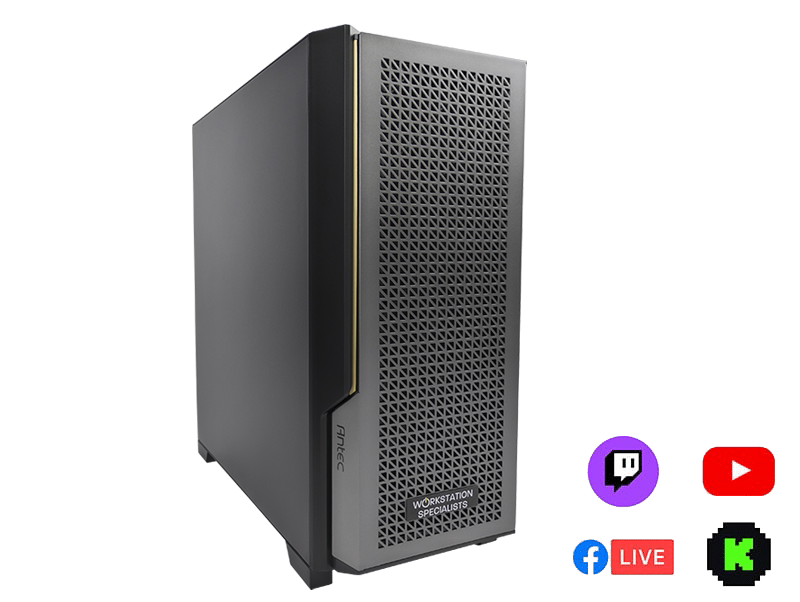
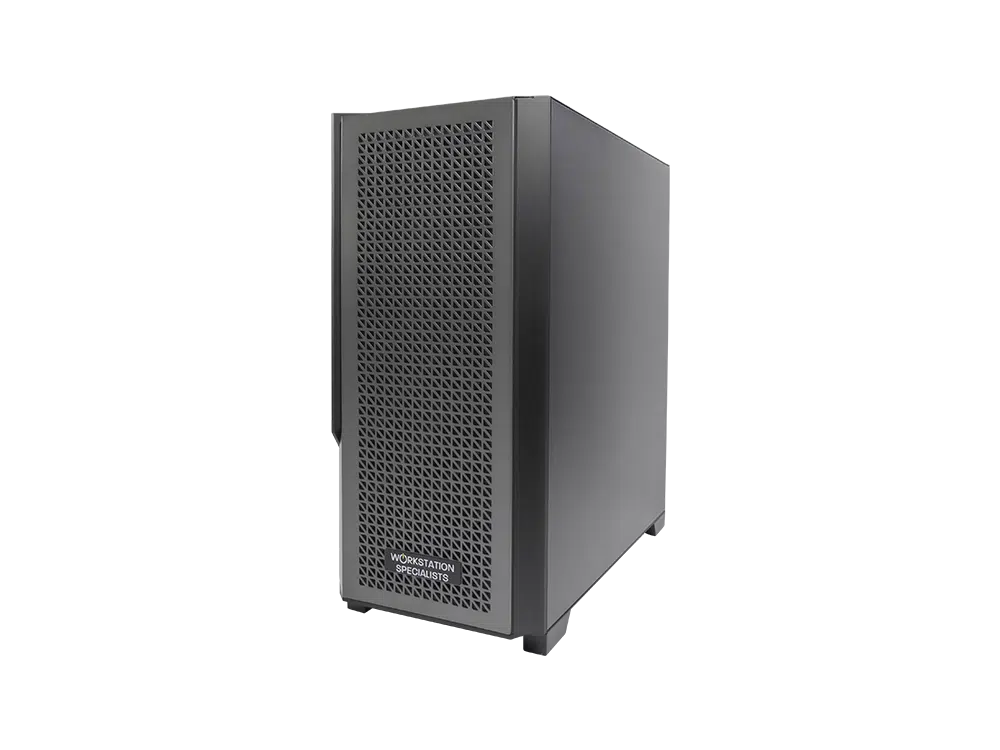
Modern live streaming demands a balanced system that can game, encode, and broadcast simultaneously with smooth, professional results.
Introduction to Live Streaming PCs
Live streaming is booming, thanks to faster internet and better hardware. People can now broadcast their unique content to thousands of viewers from anywhere in the world. It’s a multi-billion dollar industry, and it’s only getting bigger.
Whether you’re a pro streamer looking to upgrade or just starting out, this guide will tell you everything you need to know to build a PC for live streaming that will deliver a robust, silky-smooth experience for your viewers.
Whether you stream on Twitch, Facebook Gaming, or YouTube, the information here will help you get the most out of your next streaming PC.
Almost any gaming PC can handle live streaming, but you’ll need to tailor your hardware if you want to offer the best possible quality footage at 60 fps at 1080p or 4K.
Key Components You’ll Need
- CPU: A powerful CPU is essential for live streaming, as it needs to handle both the game you’re playing and the encoding process. We recommend an Intel® Core™ or AMD Ryzen™ CPU.
- GPU: Your graphics card is critically important. For demanding games, you’ll need a good GPU to ensure your stream runs smoothly. We recommend NVIDIA GeForce RTX or AMD Radeon GPUs.
- RAM: You’ll need at least 16GB of RAM for live streaming. 32GB is recommended if you plan on multitasking while streaming.
- Storage: You’ll need a fast storage drive to store your games and streaming software. SSDs are ideal for speed, and larger HDDs for long-term storage.
- Internet: A fast internet connection is essential for live streaming.
Contact us today for advice and a free, no-obligation quotation on your next PC for live streaming.
Should You Use One or Two PCs For Live Streaming?
The first choice is whether you want a single, powerful PC for live streaming that can do everything:
- Gaming
- Capturing video and audio
- Encoding the streams
These tasks may seem like a lot for one computer, but modern hardware can handle it. Multi-purpose workstations based on Intel® Core™ or AMD Ryzen™ processors are well-suited for this workflow.
Some streamers prefer a dual-system approach for more stable streams. Splitting tasks allows optimization: the primary computer can focus on gaming, while the secondary handles recording and encoding.
Pros and Cons
Single-system:
- Pros:
- Simpler to set up and manage
- Less expensive
- More compact
- Cons:
- Can be more demanding on hardware
- May not be as stable as a dual-system setup
Dual-system:
- Pros:
- More stable
- Better performance
- More flexibility
- Cons:
- More complex to set up and manage
- More expensive
- Takes up more space
If you’re new to streaming or on a tight budget, a single-system setup may be best. A dual-system setup offers better performance and stability for experienced streamers or those with a larger budget.
Capture Cards
A capture card allows you to capture video and audio from an external source and make it available to your streaming software. Depending on your setup, you may need one or more capture cards.
You don’t need a capture card if using a single-system setup with a USB webcam. For dual-system setups, DSLR cameras, or console streaming, you’ll need a capture card per video source.
There are two main types of capture cards: internal PCIe cards and external USB devices. Internal capture cards from manufacturers like AVerMedia, Blackmagic Design, or Elgato offer optimal stability. External USB options are ideal for flexibility.
Capture cards are available from Workstation Specialists upon request.
Storage Drives
SSDs: the fastest storage for your workstation
SSDs are the fastest storage drives, making them ideal for your primary workstation drive. Install your operating system, games, and applications on an SSD.
Two main types of SSDs exist: SATA and NVMe. NVMe drives are faster and more expensive; if within budget, include NVMe for minimal loading times.
Secondary Drive or NAS for Long-Term Storage
Pair your primary SSD with a secondary drive for long-term storage. This could be an HDD or a network-attached storage (NAS) device. HDDs and NAS devices offer larger storage capacities at a lower cost per gigabyte.
This setup keeps frequently used files on your fast SSD, while less-used or archived files reside on the secondary drive.
Here is a table summarising storage options:
| Type of storage drive |
Pros |
Cons |
| SATA SSD |
Less expensive than NVMe SSDs |
Slower than NVMe SSDs |
| NVMe SSD |
Fastest type of SSD |
Most expensive type of SSD |
| HDD |
Largest storage capacity |
Slowest type of storage |
| NAS |
Large storage capacity |
Can be accessed from multiple devices |