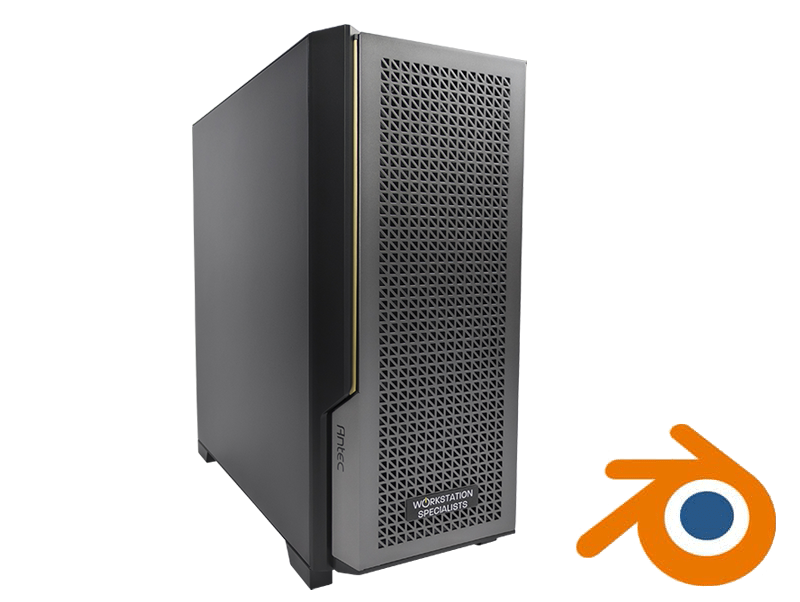
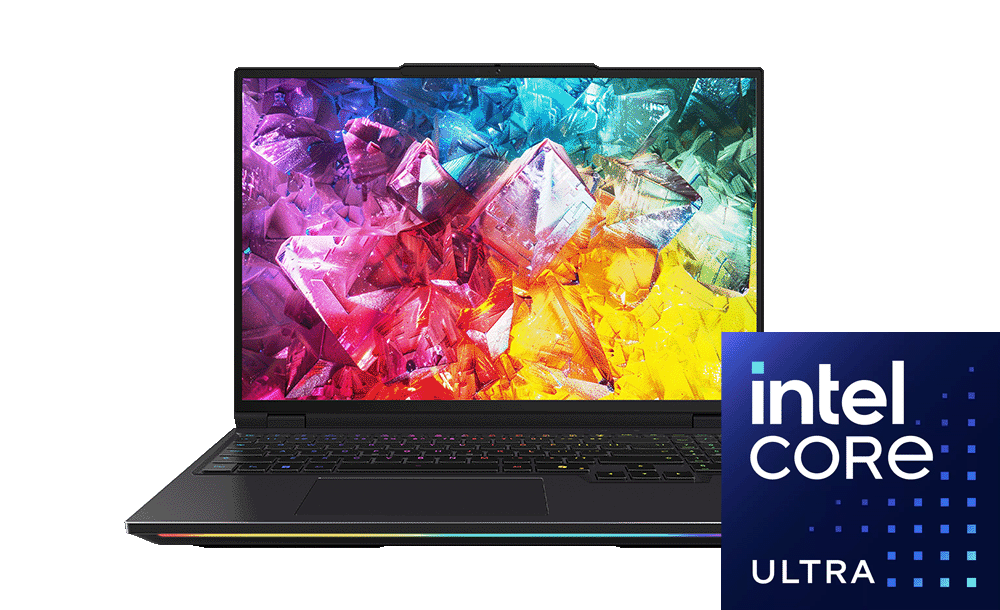
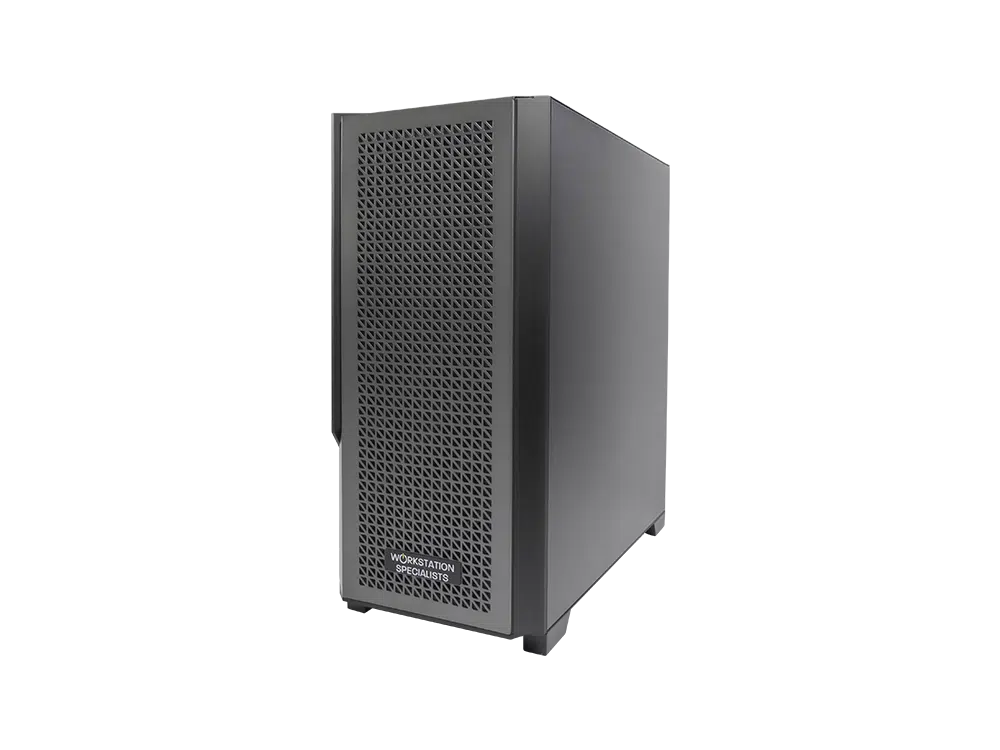
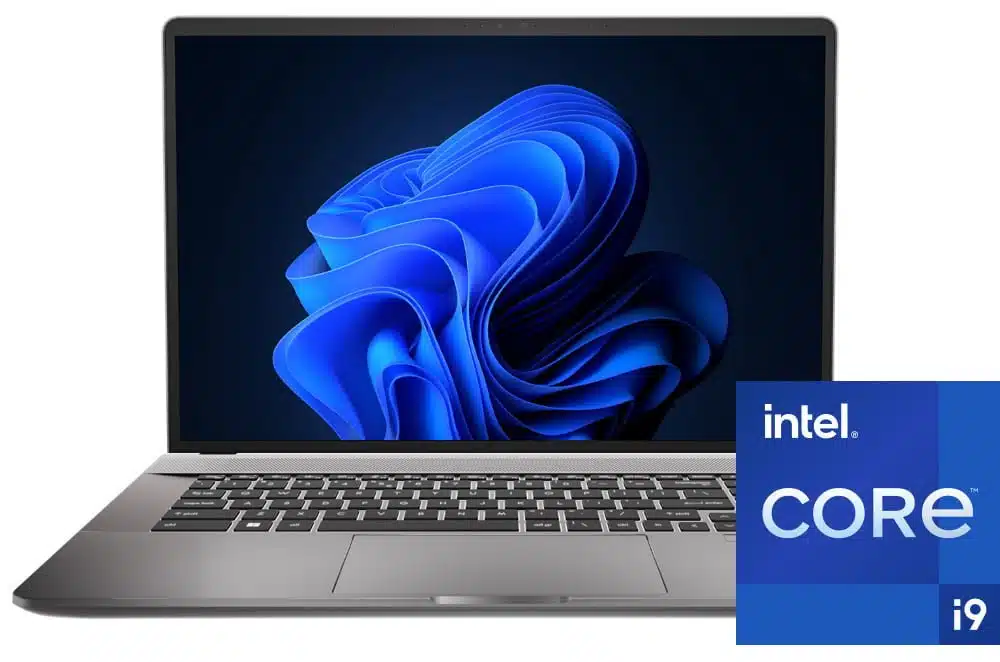
Blender is now a serious production tool. Used across animation, visual effects, architectural visualisation and games development, it covers modelling, sculpting, rigging, simulation, compositing and rendering within a single application – and each of those tasks asks something different of the hardware beneath it. Specifying a workstation for Blender is therefore less about buying the fastest components available than about understanding where the application places its demands, and where investment translates into time saved.
How Blender Uses Your Hardware
Blender is not one workload but several. Modelling, sculpting, rigging and viewport navigation are largely single-threaded, depending on a small number of cores running at high clock speeds rather than the core counts found in server-class processors. Viewport responsiveness is driven primarily by the graphics card, and the difference between a scene that navigates smoothly and one that stutters is felt within minutes.
Rendering is the exception. Cycles scales efficiently across many CPU cores and, with OptiX or CUDA acceleration, across one or more GPUs, while Eevee depends almost entirely on the graphics card. Fluid and smoke simulation sit between the two, using large numbers of cores alongside significant memory. A workstation that performs well across a full working day depends on balance rather than brute force in any single area.
Processor (CPU)
For day-to-day Blender work, clock speed matters more than core count. A processor sustaining high boost frequencies across a handful of performance cores will feel quicker in the viewport than a 96-core part running at 3GHz. Where the workflow centres on CPU rendering or fluid simulation the balance shifts, as those tasks scale almost linearly with available threads.
Modern boost behaviour has softened this divide. Because current processors raise clock speeds when only a few cores are active, a high-core-count chip is no longer a poor choice for interactive work – but the premium is only justified when rendering or simulation forms a genuine part of the daily routine.
- Intel Core Ultra 9 (Series 2): the strongest single-threaded performer available, and a natural fit for modelling, sculpting and animation-led work.
- AMD Ryzen 9 9950X3D: sixteen cores with excellent single-threaded speed – the best all-round choice for artists who model during the day and render overnight.
- AMD Threadripper PRO: up to 96 cores, support for up to 1TB of ECC memory and abundant PCIe lanes for multiple graphics cards. Best suited to CPU rendering and simulation-heavy pipelines.
Graphics Card (GPU)
The GPU is the most consequential component in most Blender workstations. It determines how the viewport feels in dense scenes, governs Eevee entirely, and in Cycles routinely completes frames several times faster than CPU rendering alone. NVIDIA holds a clear advantage, as OptiX and CUDA remain the best-supported paths in Blender and benefit from dedicated ray-tracing hardware.
For GPU rendering, VRAM capacity is frequently the limiting factor rather than raw speed. When a scene exceeds available video memory, Blender falls back to slower system memory and much of the benefit is lost, so specify more capacity than current projects demand. GeForce RTX cards offer outstanding value for rendering work, while NVIDIA RTX PRO (formerly Quadro) cards add certified drivers, ECC memory and far greater capacity for studios with validation requirements.
Memory (RAM)
Memory requirements are dictated by scene complexity, and the consequences of getting it wrong go beyond a slowdown. A workstation short on RAM begins paging to storage and becomes unstable, and a crash midway through baking a simulation costs far more than the memory that would have prevented it.
Blender holds scene data, textures and simulation caches in system memory, and few professionals run it in isolation. Substance, a compositor and a browser full of reference material all take their share, which is why 32GB tends to be outgrown faster than expected.
- 32GB: adequate for modelling and animation on moderate projects.
- 64GB: the practical baseline for professional work and concurrent applications.
- 128GB or more: for high-resolution rendering, large-scale simulation and multi-application pipelines.
DDR5 is standard across current platforms and offers useful bandwidth gains for data-heavy operations. On Threadripper PRO and Xeon W platforms, ECC memory adds protection well worth having when machines render unattended overnight.
Storage
Storage rarely stops work outright, but it introduces friction that accumulates across a working day: slow scene loads, sluggish saves, stalled texture streaming and caches that take longer to write than to calculate. A tiered configuration, separating active project data from libraries and archives, is the most effective approach.
| Drive Type |
Strengths |
Limitations |
| NVMe SSD |
Fastest read and write speeds; ideal for the OS, active projects and caches |
Higher cost per GB |
| SATA SSD |
Reliable, affordable secondary storage for assets and renders |
Slower than NVMe |
| HDD |
High capacity at low cost; well suited to archiving |
Poor performance for active work |
| NAS |
Shared access across a team, with redundancy options |
Requires network infrastructure |
A 1TB or larger NVMe drive should host the operating system, Blender and current projects, with a second SSD for textures, caches and rendered output. Studios sharing assets should pair a storage server with 10GbE networking; anything slower becomes the bottleneck once scenes and caches run to tens of gigabytes.
Cooling, Power and Build Quality
Specification alone does not determine how a workstation performs in production. Sustained loads – an overnight render, a long fluid bake, a full day in a heavy scene – expose weaknesses in thermal design that benchmarks never reveal. When a processor or graphics card throttles, clock speeds fall and render times lengthen whatever the specification sheet promised.
Cooling should be matched to the TDP of the processor and to the airflow demands of the graphics cards alongside it, with the power supply rated to 80 PLUS Gold or Platinum and given headroom for the transient spikes modern GPUs produce. Well-matched components, validated drivers and thorough testing consistently outperform a nominally faster machine built without that care.
Working Away from the Studio
Blender travels reasonably well. Current mobile workstations pair high-frequency processors with RTX graphics and up to 192GB of memory – enough for modelling, animation and moderate GPU rendering on location. Expect a modest deficit against desktop hardware, and keep the machine on mains power.
Recommended Specification
The following is a balanced configuration for professional Blender work.
- CPU: Intel Core Ultra 9 285K or AMD Ryzen 9 9950X3D for creative work; Threadripper PRO 9955WX or higher for rendering-led pipelines.
- GPU: GeForce RTX 5080 or 5090 for most workflows; NVIDIA RTX PRO where VRAM capacity or certification is the priority.
- Memory: 64GB DDR5 as a baseline, 128GB or more for simulation and multi-application work.
- Storage: 1TB or 2TB NVMe primary drive, plus a 2TB secondary SSD for assets and caches.
- Cooling and power: matched to CPU TDP and GPU count, with an 80 PLUS Gold or Platinum PSU.
Conclusion
A well-specified Blender workstation is an investment in uninterrupted creative work. Understanding where the application places its demands – clock speed for interaction, cores or VRAM for rendering, memory for stability – ensures budget goes where it will be felt. The right configuration depends on the scale of your scenes, the renderer in use and the pipeline Blender sits within; a system built and tested around those specifics will deliver performance and longevity a generic machine cannot match.