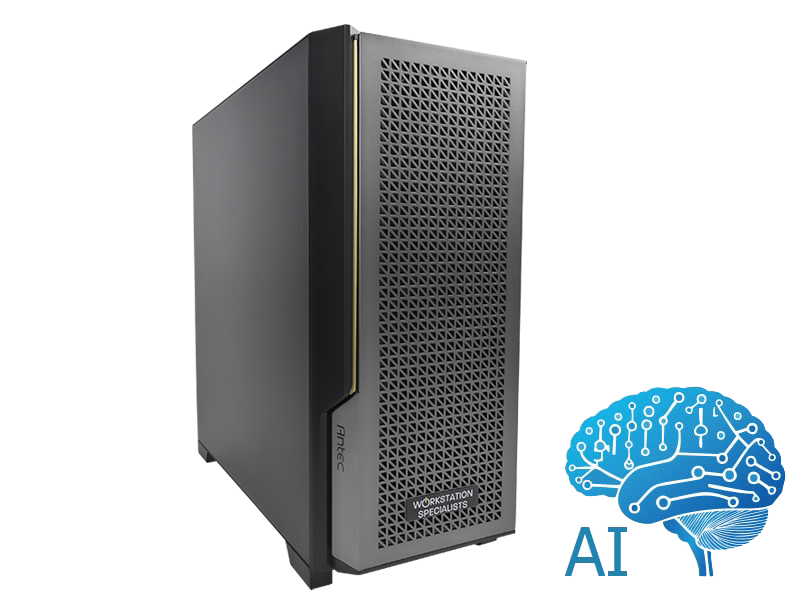
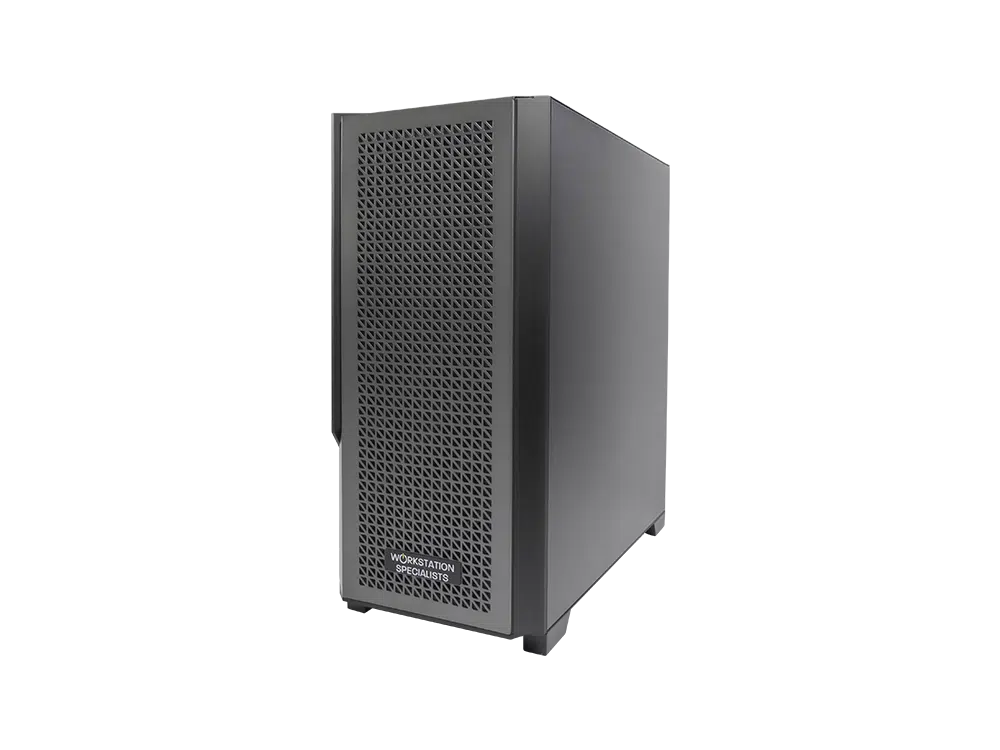
Local AI development enables faster iteration, data privacy, lower cloud costs, and easy scaling.
Why Train and Develop AI Locally on Tower Servers and Workstations?
If your business is building specialised AI solutions—such as automation agents, vision models, internal analytics systems or embedded AI tools—developing and training AI models locally on a tower workstation or server offers big advantages.
-
Faster Iteration and Development Cycles
A high-performance local workstation lets you prototype, fine-tune, and test AI models instantly. There’s no waiting for cloud queues or shared compute, which means your team can move from idea to deployment much faster.
-
Stronger Data Privacy and IP Protection
When you work with sensitive or proprietary data, keeping everything on-premise significantly reduces exposure risks. Local AI development also supports compliance with industry standards and keeps your intellectual property fully protected.
-
Better Cost Control Compared to Cloud Training
Training AI models in the cloud can quickly become expensive. By running workloads locally, you avoid unpredictable costs such as:
- compute-hours,
- data storage and egress fees,
- scaling charges.
For mid-sized or frequently iterated models, a local workstation is often far more cost-effective.
-
Smooth Path to Scalable Deployment
A tower workstation can act as your primary AI development environment, making it easy to scale later. When you’re ready, you can move to rack-mounted servers or full clusters without rebuilding your entire workflow or relying solely on cloud infrastructure.
Key Components of an AI Workstation for Model Development
Building or fine-tuning AI models requires the right hardware foundation. Whether you’re developing micro-AI applications, multi-agent systems, or domain-specific models, choosing the correct workstation components directly impacts performance, speed, and scalability.
-
GPU – The Core of Any High-Performance AI Workstation
For AI development, the GPU is the single most important component. Both GPU compute power and VRAM capacity significantly affect training speed, model size, and your ability to run multiple agents or tools locally.
NVIDIA RTX PRO Blackwell – The Leading Choice for 2025
The NVIDIA RTX PRO Blackwell series stands out as one of the top workstation GPUs for AI development:
- Up to 96GB VRAM: Ideal for training larger models, running multi-agent frameworks, or handling complex datasets without memory bottlenecks.
- 5th-Generation Tensor Cores – Fast AI training and efficient low-bit inference: Delivers major acceleration for both AI training and inference, enabling faster experimentation and development.
- Professional Workstation Drivers: Certified drivers ensure maximum stability, reliability, and performance for demanding AI workloads.
If you’re building an AI workstation for long-term scalability, Blackwell GPUs offer exceptional efficiency and future-proof performance.
-
Emerging Platform – NVIDIA DGX Spark for Local AI Development
For developers who want to step beyond a single-GPU workstation, the NVIDIA DGX Spark represents the next evolution of local AI computing.
Why DGX Spark Is Worth Considering
- Powered by NVIDIA Grace Blackwell: Delivers up to 1 petaFLOP of AI compute power in a compact workstation form factor.
- 128GB Unified Memory: Allows development of extremely large models—up to around 200 billion parameters—directly on your local machine.
- Built for Scalable AI Pipelines: Start your development locally, then deploy seamlessly to larger servers or cloud clusters without re-engineering your workflow.
The DGX Spark is designed specifically for advanced AI teams who want maximum performance without relying solely on cloud infrastructure.
Recommended Workstation Platform Specifications for AI Development
Choosing the right hardware platform is essential for building, training, and deploying AI models efficiently. Use this checklist to ensure your workstation or server is optimised for modern AI workloads.
-
CPU – Strong Single-Core Performance & Plenty of PCIe Lanes
Select a processor with excellent single-thread performance, as many AI development tasks and pre-processing steps rely heavily on it.
If you plan to use high-bandwidth GPUs or multiple storage devices, make sure your CPU supports ample PCIe lanes for maximum throughput.
-
RAM – Start at 64GB, Aim for 128GB+
- 64GB is the minimum recommended for typical AI development.
- 128GB or more is ideal if you’re working with larger models, multi-agent systems, or heavy data pipelines.
More memory allows smoother experimentation and reduces slowdowns caused by swapping to disk.
-
Storage – Fast NVMe for Training, Secondary SSDs for Data
To optimise workflow and model development speed:
- Primary NVMe SSD: For OS, datasets, and active training files.
- Secondary NVMe or SATA SSD: Useful for caching, temporary files, checkpoints, and experiments.
- Large HDD or NAS storage: Ideal for long-term archival, backups, or bulk datasets.
NVMe drives significantly improve data loading times, especially when training transformer-based AI models.
-
Cooling & PSU – Designed for High-Power GPUs
Modern AI GPUs create substantial heat and draw significant power.
Choose:
- High-performance air or liquid cooling
- A high-wattage PSU with extra headroom for future upgrades
- Proper airflow to support continuous training workloads
This ensures long-term reliability and prevents thermal throttling.
-
Networking & I/O – Prepare for Collaboration and Remote Access
If you plan to work in a team or access your workstation remotely, consider advanced networking:
- 10GbE / 25GbE / 100GbE for high-speed data transfer
- Additional I/O options for storage arrays, external GPUs, or shared model checkpoints
Fast networking makes collaboration, versioning, and distributed workflows far more efficient.
Typical Use-Cases and Industries for Local AI Workstations
A high-performance tower or server workstation is ideal in many AI development environments—especially where speed, privacy, and cost control are key. Here are the most common scenarios where a local AI workstation delivers major advantages:
-
Small to Mid-Sized AI Teams Building Internal Tools
Teams developing:
- automation agents
- computer vision modules
- conversational AI
- internal analytics models
Benefit from low latency, faster iteration, and reduced cloud costs. Local development avoids cloud queues and keeps sensitive prototypes in-house.
-
Enterprises Working with Sensitive or Regulated Data
Industries such as finance, healthcare, engineering, manufacturing, and government often require strict data governance.
A local workstation ensures:
- data never leaves your environment
- improved IP protection
- easier compliance with regulations
Ideal for both training and running on-prem inference.
-
Edge or Hybrid AI Deployment Workflows
A local workstation is often used as the development and fine-tuning hub, with the ability to scale later into:
- rack-mounted servers
- on-prem AI clusters
- cloud computing platforms
This approach reduces migration friction and keeps your workflow consistent from prototype to production.
-
Prototyping, R&D and Experimental AI Work
Researchers and developers experimenting with:
- new model architectures
- micro-AI systems
- rapid fine-tuning
- multi-agent frameworks
Gain faster turnaround by working locally. You can iterate quickly, validate ideas, and only scale to the cloud when models are ready.