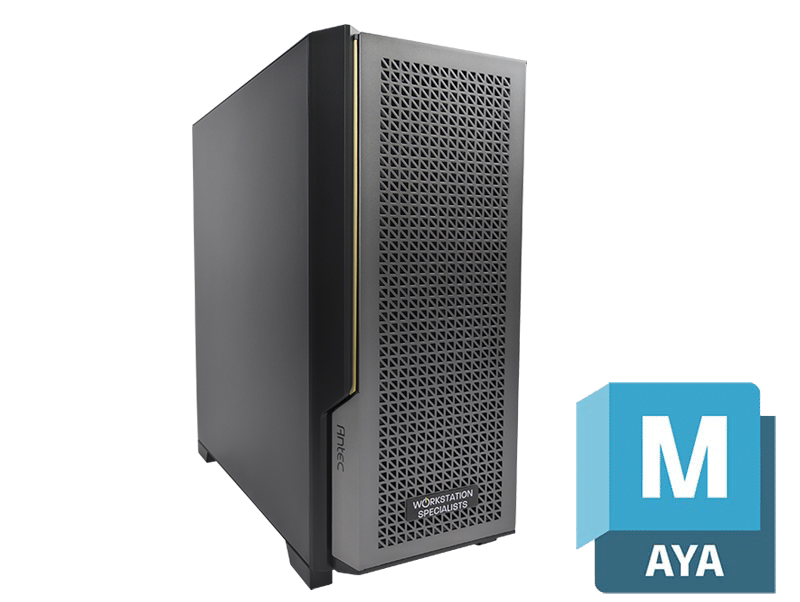
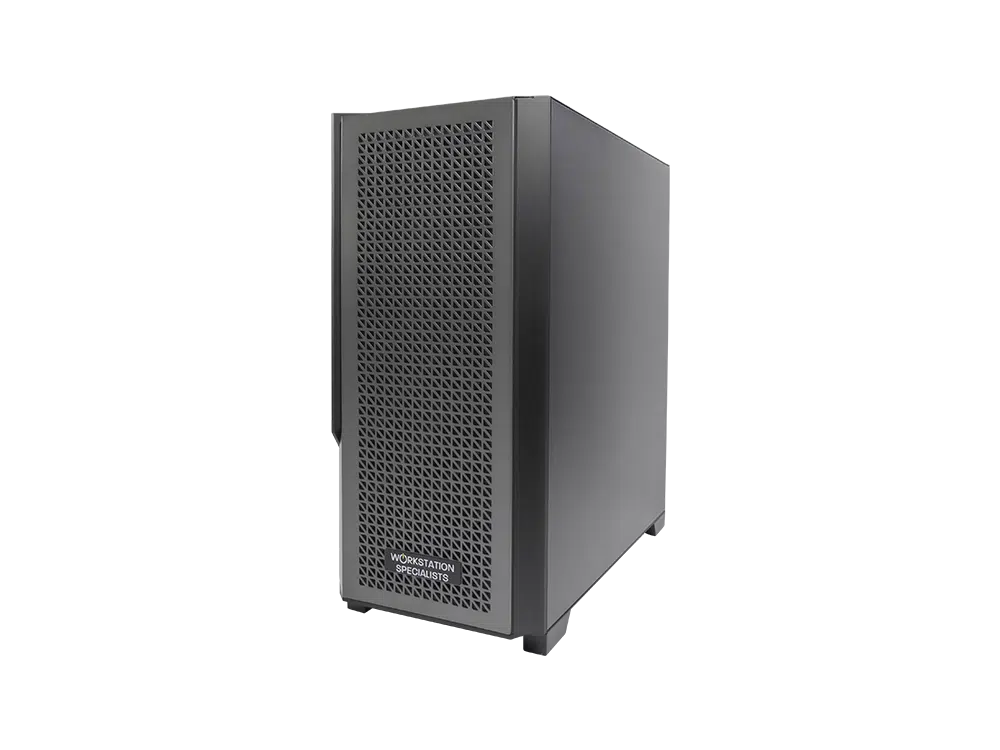
Autodesk Maya remains one of the most demanding applications in the professional creative toolkit. Used across film, television, games development, architectural visualisation and product design, it places pressure on every part of a system – from the processor driving rigs and simulations to the graphics card responsible for viewport playback. Specifying the right hardware is not a matter of buying the fastest components available; it requires an understanding of how Maya behaves in production, and where investment translates into time saved.
How Maya Uses Your Hardware
Maya is not a single workload but several, each placing different demands on the system. Modelling, rigging and animation are largely single-threaded, relying on a small number of cores running at high clock speeds rather than the core count found in server-class processors. Viewport performance is driven primarily by the GPU; in practice, 30fps is the minimum for comfortable interaction and 60fps the target for animation playback.
Rendering is the exception. Whether you work with Arnold, V-Ray, Redshift or Octane, it scales across many CPU cores or across one or more GPUs. A workstation that performs well across a full working day therefore depends on balance rather than brute force in any single area.
Processor (CPU)
For day-to-day Maya work, clock speed matters more than core count. A processor sustaining high boost frequencies across a handful of performance cores will feel quicker in the viewport than a 96-core part running at 3GHz. Where the workflow centres on CPU rendering the balance shifts, as most engines scale almost linearly with cores.
Modern boost behaviour has softened this divide. Because current processors raise clock speeds when only a few cores are active, a high-core-count chip is no longer a poor choice for interactive work – but the premium is only justified when rendering forms a genuine part of the daily routine.
- Intel Core Ultra 9 (Series 2): the strongest single-threaded performer available, and a natural fit for modelling, rigging and animation-led work.
- AMD Ryzen 9 9950X: sixteen cores with excellent single-threaded speed – the best all-round choice for artists who model during the day and render overnight.
- AMD Threadripper PRO: up to 96 cores, ECC memory support and abundant PCIe lanes for multiple graphics cards. Best suited to rendering-led pipelines and heavy simulation work.
Graphics Card (GPU)
The GPU largely determines how Maya feels to use. A capable card keeps navigation fluid in dense scenes and prevents the stuttering that quietly erodes concentration during long sessions. The difference between a mid-range consumer card and a well-specified professional one becomes obvious once polygon counts climb.
For GPU-accelerated rendering, VRAM capacity is the limiting factor rather than raw speed: a scene that exceeds available video memory will either fall back to slower CPU rendering or fail outright, so specify more capacity than current projects demand. Autodesk certifies NVIDIA RTX PRO (formerly Quadro) cards for Maya, with ISV-validated drivers and long-term stability. GeForce RTX cards are tested rather than certified, and remain excellent value where certification is not a studio requirement.
Memory (RAM)
Memory requirements are dictated by scene complexity, and the consequences of getting it wrong go beyond a simple slowdown. A workstation short on RAM becomes unstable, and a crash midway through caching a simulation costs far more than the memory that would have prevented it.
Maya holds scene data, textures and caches in system memory, and few professionals run it in isolation. Substance, Nuke, a review player and a browser full of reference material all take their share, which is why 32GB tends to be outgrown faster than expected.
- 32GB: adequate for modelling and animation on moderate projects.
- 64GB: the practical baseline for professional work and concurrent applications.
- 128GB or more: for high-resolution rendering, large-scale simulation and multi-application pipelines.
DDR5 is standard across current platforms and offers useful bandwidth gains for data-heavy operations. On Threadripper PRO and Xeon W platforms, ECC memory adds protection well worth having when machines run unattended overnight.
Storage
Storage rarely stops work outright, but it introduces friction that accumulates across a working day: slow scene loads, sluggish saves and stalled texture streaming. A tiered configuration, separating active project data from libraries and archives, is the most effective approach.
| Drive Type |
Strengths |
Limitations |
| NVMe SSD |
Fastest read and write speeds; ideal for the OS and active projects |
Higher cost per GB |
| SATA SSD |
Reliable, affordable secondary storage for assets and renders |
Slower than NVMe |
| HDD |
High capacity at low cost; well suited to archiving |
Poor performance for active work |
| NAS |
Shared access across a team, with redundancy options |
Requires network infrastructure |
A 1TB or larger NVMe drive should host the operating system, Maya and current projects, with a second SSD for textures and renders. Studios sharing assets between artists should pair a storage server with 10GbE networking; anything slower becomes the bottleneck once caches run to tens of gigabytes.
Cooling, Power and Build Quality
Specification alone does not determine how a workstation performs in production. Sustained loads – a long simulation, an overnight render, a full day in a heavy scene – expose weaknesses in thermal design that benchmarks never reveal. When a processor throttles, clock speeds fall and render times lengthen whatever the specification sheet promised.
Cooling should be matched to the TDP of the installed processor, and the power supply rated to 80 PLUS Gold or Platinum with headroom for peak demand. Well-matched components, validated drivers and thorough testing consistently outperform a nominally faster machine built without that care.
Working Away from the Studio
Maya travels reasonably well. Current mobile workstations pair high-frequency processors with RTX graphics and up to 192GB of memory – enough for modelling, animation and moderate GPU rendering on location. Expect a modest deficit against desktop hardware, and keep the machine on mains power for full performance.
Recommended Specification
The following is a well-balanced configuration for professional Maya work.
- CPU: Intel Core Ultra 9 285K or AMD Ryzen 9 9950X for creative work; Threadripper PRO 7965WX or higher for rendering-led pipelines.
- GPU: GeForce RTX 5080 or 5090 for most workflows; NVIDIA RTX PRO for certified environments.
- Memory: 64GB DDR5 as a baseline, 128GB or more for simulation and multi-application work.
- Storage: 1TB or 2TB NVMe primary drive, plus a 2TB secondary SSD for assets.
- Cooling and power: matched to CPU TDP, with an 80 PLUS Gold or Platinum PSU.
Conclusion
A well-specified Maya workstation is an investment in uninterrupted creative work. Understanding where the application places its demands – clock speed for interaction, cores or VRAM for rendering, memory for stability – ensures budget goes where it will be felt. The right configuration depends on the scale of your scenes, the render engines in use and the pipeline Maya sits within; a system built and tested around those specifics will deliver performance and longevity a generic machine cannot match.