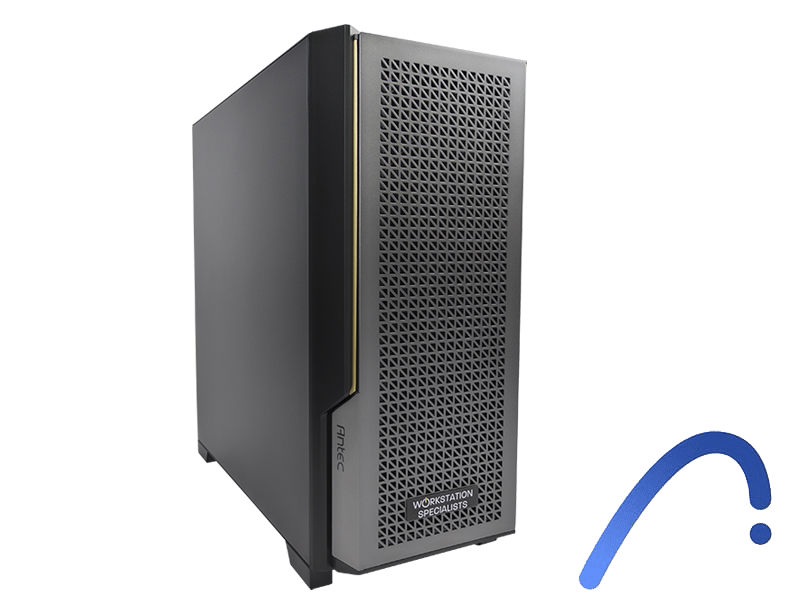
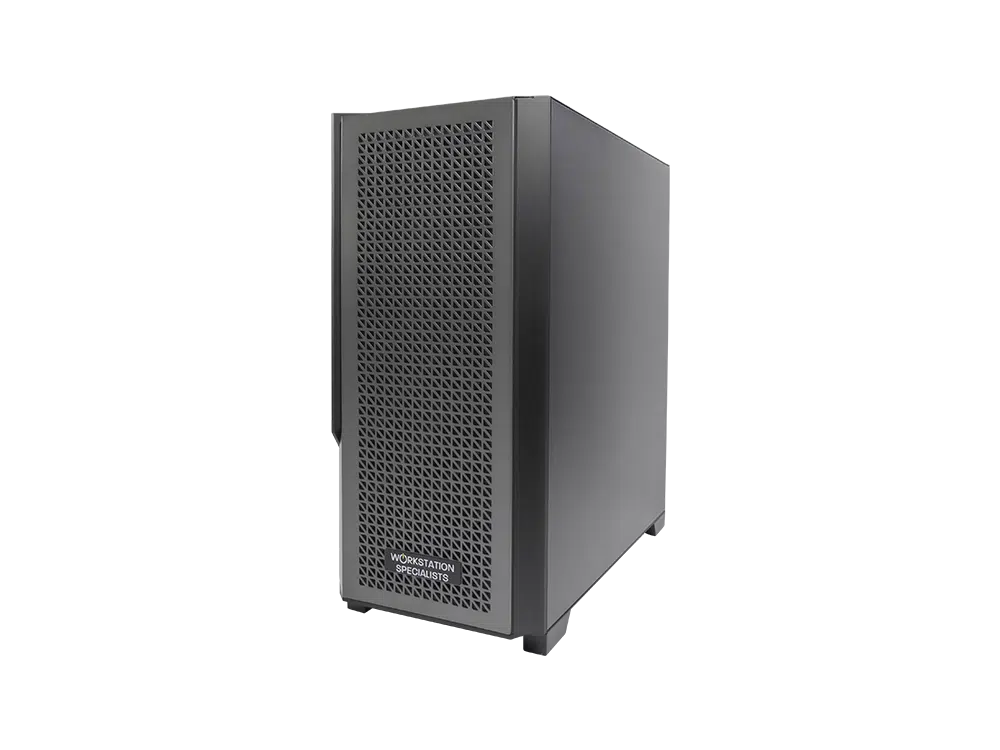
Recommended Workstation for ARCHICAD
ARCHICAD is one of the leading BIM (Building Information Modelling) platforms used by architects, urban planners, and construction professionals worldwide. Unlike traditional CAD tools, it manages 2D documentation and richly detailed 3D building models within a unified environment — creating specific and often demanding requirements for the underlying hardware.
Choosing the right workstation is not simply a matter of raw power. It requires an understanding of how ARCHICAD distributes its workload across the CPU, GPU, memory, and storage subsystems. Get this balance right, and the software responds smoothly — even when handling large, complex BIM datasets. Get it wrong, and even high-specification hardware can feel sluggish.
This guide outlines the recommended hardware configuration for ARCHICAD, based on real-world architectural workflows and practical performance expectations across different project scales.
Processor: Prioritise Clock Speed Over Core Count
ARCHICAD is predominantly CPU-driven, with core operations — including model generation, parametric updates, section calculation, and project navigation — relying heavily on single-threaded performance. As a result, high clock speeds and strong IPC (instructions per cycle) are more important than simply increasing core count. In practical terms, a fast modern processor with fewer cores will typically feel more responsive in day-to-day ARCHICAD use than a many-core workstation CPU running at lower frequencies.
For standard BIM projects — residential buildings, commercial offices, and mid-scale developments — processors in the AMD Ryzen 7 / Ryzen 9 or Intel Core Ultra 7 / Ultra 9 ranges offer an excellent balance of single-core performance and overall system responsiveness. These represent the core recommendation for most architectural professionals.
That said, core count is not entirely irrelevant. If your workflow extends beyond ARCHICAD to include CPU-based rendering engines — such as Twinmotion’s CPU path tracer or standalone renderers running in the background — a higher-core processor will improve throughput during these parallel tasks. The same applies when running multiple applications simultaneously on a single machine.
Recommended processors by workflow:
Graphics Card: Important, But Not the Primary Driver
Unlike many modern visualisation tools, ARCHICAD does not rely heavily on the GPU for core modelling operations. The graphics card handles viewport display, real-time navigation, and 3D geometry rendering — tasks that are important for a fluid interface, but secondary to CPU performance in terms of overall productivity.
For 2D drafting and light 3D work, even a modest GPU will perform adequately. However, as model complexity increases — particularly when working with large BIM datasets, detailed urban-scale projects, or models with extensive texturing — a more capable GPU becomes increasingly valuable. Without it, navigating and orbiting detailed 3D models can become sluggish, which interrupts workflow and reduces productivity over time.
GPU requirements increase significantly if you incorporate real-time rendering and visualisation tools into your pipeline. Enscape, Twinmotion, and ARCHICAD’s integrated Redshift renderer all leverage GPU acceleration to deliver live previews and final renders. In these scenarios, GPU performance — and particularly VRAM — becomes a meaningful factor in overall system capability.
Recommended GPUs by workflow type:
System Memory: Critical for Large BIM Datasets
Memory is one of the most consequential hardware decisions for an ARCHICAD workstation. BIM models are data-intensive by nature — they store geometry, metadata, material properties, linked files, and structural information simultaneously. All of this must reside in active memory while the project is open. As models grow in scale and complexity, the RAM requirement grows with it.
GRAPHISOFT recommends a minimum of 16 GB, but this represents a baseline for small or simple projects rather than a practical professional specification. For most architectural workflows — including mid-scale commercial projects, multi-unit housing, or models with multiple linked files — 32 GB is a more realistic starting point, and 64 GB is increasingly considered standard in professional practice.
Running out of memory forces the operating system to use disk paging — writing overflow data to the storage drive when RAM is exhausted. Even on fast NVMe storage, this dramatically degrades system responsiveness and can cause ARCHICAD to become practically unusable on complex projects. Investing in sufficient RAM is therefore one of the highest-impact upgrades available.
| Project Scale |
Typical Use Case |
Recommended RAM |
| Small projects |
Residential, simple BIM models |
32 GB |
| Mid-range work |
Multi-unit housing, offices, commercial |
64 GB |
| Large-scale BIM |
Hospitals, high-rise, urban developments |
128 GB+ |
Storage: NVMe SSD as the Professional Standard
ARCHICAD project files can grow to considerable sizes, particularly when managing detailed BIM models, linked libraries, external references, and texture assets. Fast, reliable storage is essential — not only for reducing initial load times, but for maintaining system responsiveness throughout the working day.
GRAPHISOFT recommends SSD storage as standard, and NVMe drives represent the clear choice for any professional configuration. The difference in read and write speeds between NVMe and traditional SATA SSDs is significant, and the improvement in application launch times, file access, and background autosave performance is immediately noticeable in daily use.
A dual-drive setup offers the most practical arrangement for most professionals: a fast NVMe drive for the operating system, ARCHICAD installation, and all active projects, with a secondary drive for completed work, archived files, and asset libraries. In collaborative environments, BIMcloud or a well-configured NAS solution provides shared access and version control across the team.
Recommended storage configuration:
- Primary drive: 1 TB–2 TB NVMe SSD (OS, application, active projects)
- Secondary storage: 2 TB+ SSD or HDD (archives, completed work, asset libraries)
- Team environments: NAS with high-speed networking for shared BIMcloud access
Understanding ARCHICAD Performance in Practice
Hardware specification provides the foundation, but real-world ARCHICAD performance also depends on how the software is used and configured. Understanding the performance hierarchy — which components matter most for which tasks — helps to make better investment decisions and avoid common misconceptions.
Because ARCHICAD is primarily CPU-bound, upgrading to a higher clock speed processor will typically deliver the most noticeable day-to-day improvement for core modelling tasks. Upgrading the GPU alone will not significantly accelerate parametric operations, model regeneration, or plan navigation unless real-time rendering tools are actively in use. This is a common mistake when specifying workstations for architectural teams.
Memory and storage also play a supporting role that is easy to underestimate. Insufficient RAM creates a hard performance ceiling that no amount of CPU or GPU investment can overcome — once the system is forced into disk paging, the entire workflow suffers. Similarly, slow storage delays project loading, autosave operations, and asset retrieval, introducing friction throughout the working day even on otherwise well-specified machines.
Keeping GPU drivers up to date is also worth emphasising. GRAPHISOFT regularly updates ARCHICAD to take advantage of newer graphics drivers, and running outdated drivers can cause viewport rendering issues or reduced stability — particularly on complex 3D models.
Recommended Workstation Specifications at a Glance
The following configurations provide a practical starting point across different workload levels. Final specifications should always be tailored to the scale and complexity of the projects being handled.
| Component |
Entry / Mid-Range |
Professional |
High-End |
| CPU |
Ryzen 7 / Core Ultra 7 |
Ryzen 9 / Core Ultra 9 |
High-core Ryzen 9 / Threadripper PRO |
| GPU |
RTX 2000-class |
RTX 4000-class |
RTX 5000-class or RTX Pro |
| RAM |
32 GB DDR5 |
64 GB DDR5 |
128 GB+ DDR5 |
| Primary SSD |
1 TB NVMe |
2 TB NVMe |
2 TB NVMe |
| Secondary Storage |
1 TB SSD / HDD |
2 TB SSD |
NAS + local archive |
Conclusion
A well-configured ARCHICAD workstation enables architectural workflows to remain fluid, responsive, and free from hardware-imposed bottlenecks. By prioritising high clock speed CPUs, allocating sufficient memory for large BIM datasets, and using fast NVMe storage, professionals can significantly improve productivity — particularly when handling complex, multi-disciplinary projects.
GPU requirements remain relatively modest for core modelling tasks, but become increasingly significant when real-time visualisation and rendering tools form part of the daily workflow. Ensuring the graphics card is capable of handling these demands — and that drivers are kept current — protects the integrity of the full pipeline.
These recommendations provide a strong starting point, but the optimal configuration will always depend on the scale and nature of your work. For tailored advice on specifying a workstation for ARCHICAD, the team at Workstation Specialists can help design a system that is aligned precisely with your requirements.